Reels put your best work to work. Instead of rebuilding a company reel in an NLE for every pitch, you pull from the work already in Bloom — projects, selects, and finals — and share a cut that matches the brief.
W+K Pitch
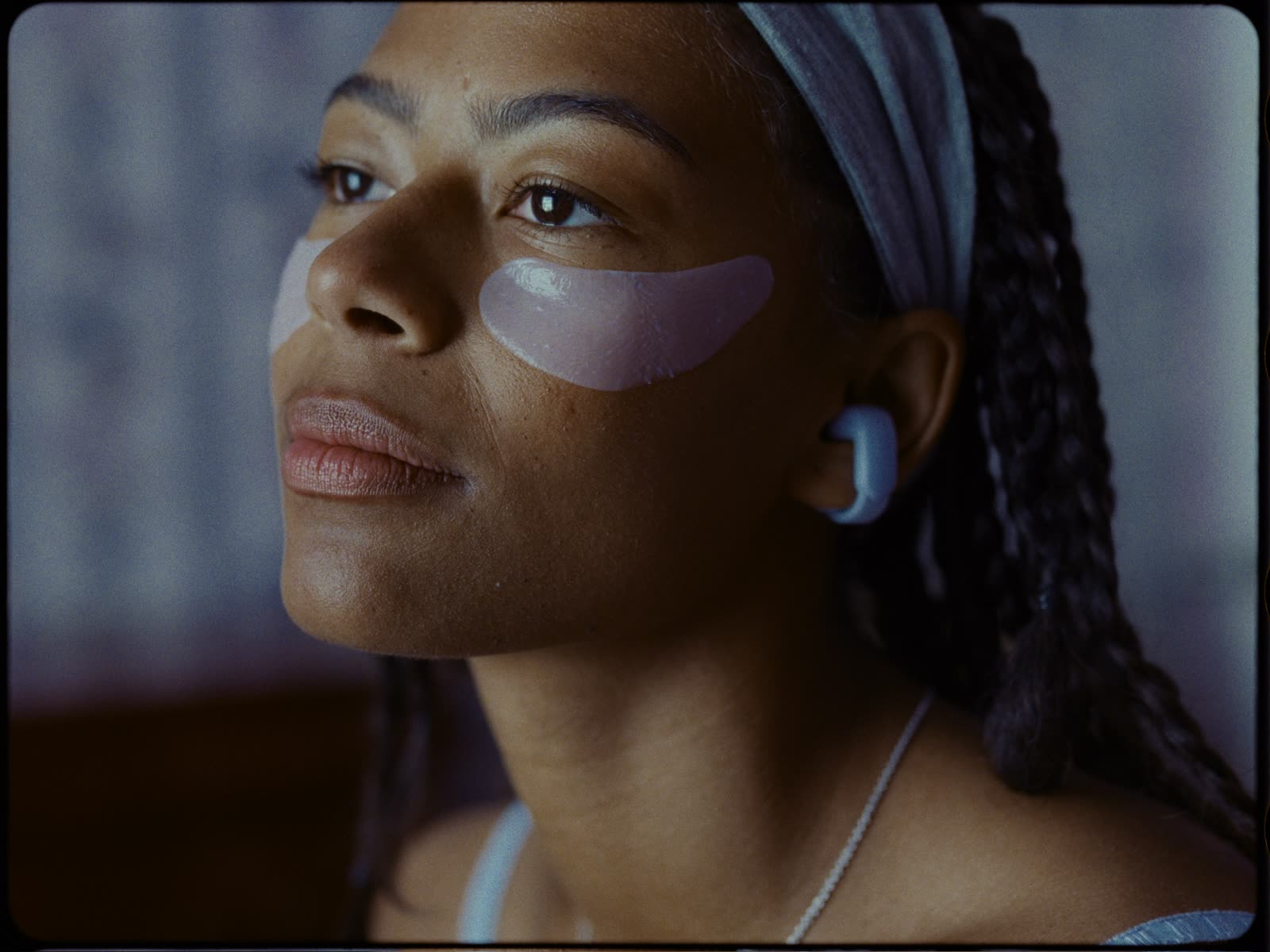
Bose
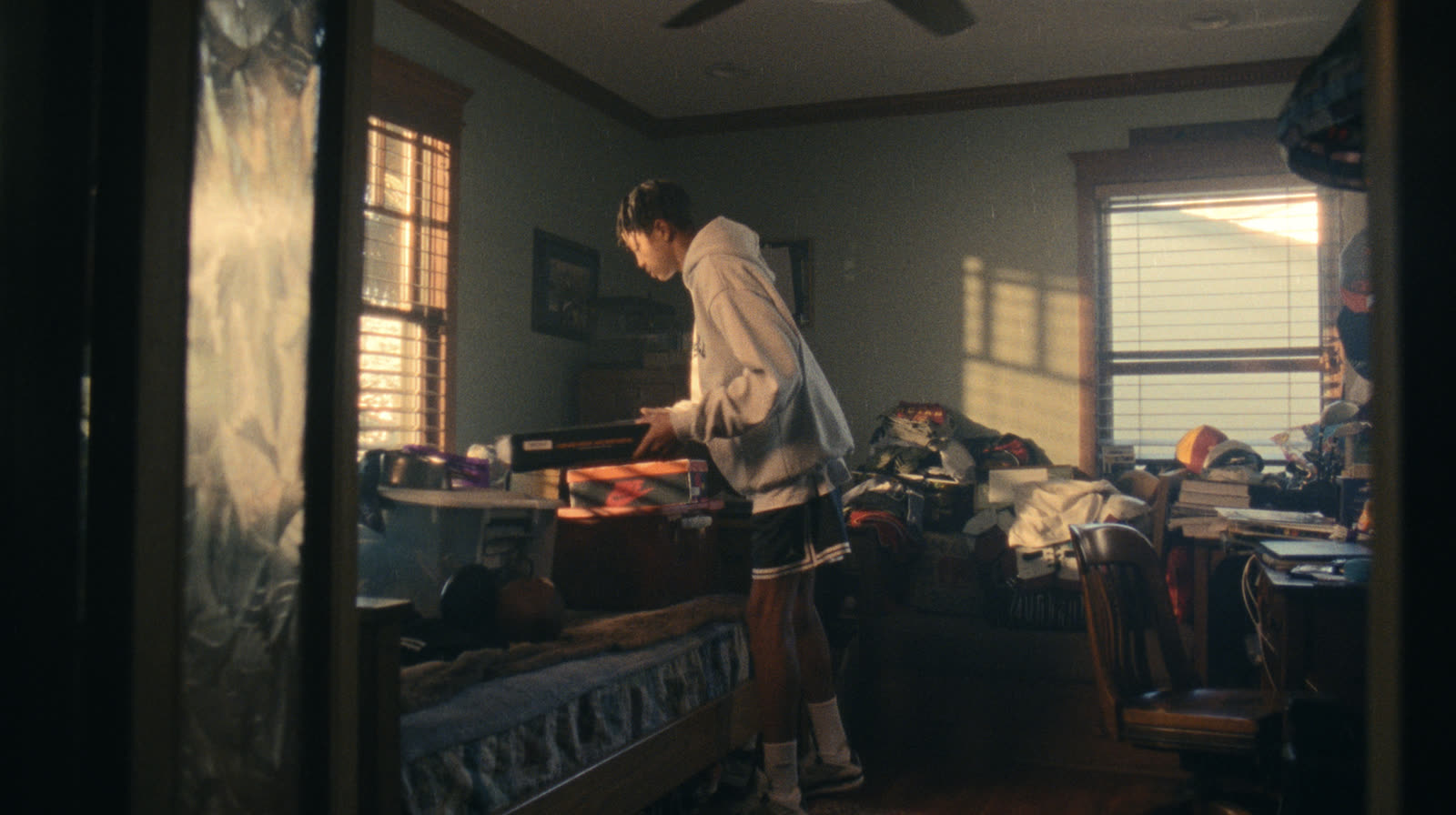
Call Your Mom
What a reel is for
- A tailored company reel for a specific pitch
- A director or DP reel pulled from jobs you've already stored
- A short sequence of spots without leaving Bloom
GIFs, stills, and clips (see GIF Maker and Stills & clips) are the small extracts. A reel is the sequenced argument.
Building a reel
- Open Reels in the workspace, or ask a creative agent to assemble one from a brief.
- Search your library and boards for the work that fits.
- Curate order, trim, and title until the cut holds.
- Share a link for the room, or keep editing.
You can work hands-on or let an agent pull a first sequence from a board and a brief, then refine.
Sharing and viewing
Send the reel link to a client or collaborator. They can page through the cut without an account. Bloom can show what they watched, so you know which films landed.
Presentation links are still the way to share a board. Use a reel when the artifact is a sequenced cut, not a grid of references.
Good to know: A reel is only as good as the library behind it. If finals live in a drive Bloom can't see, they won't make the cut.